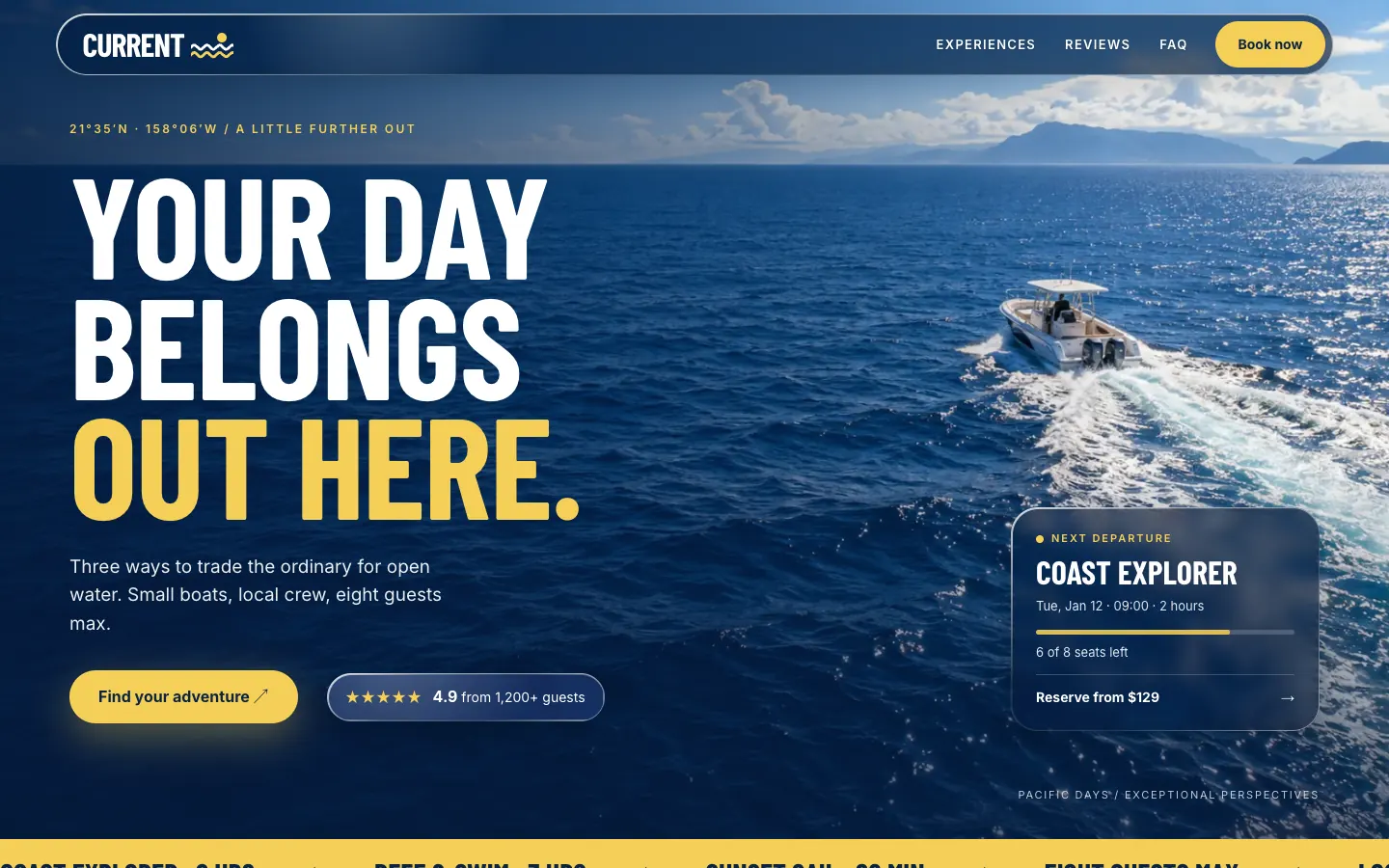
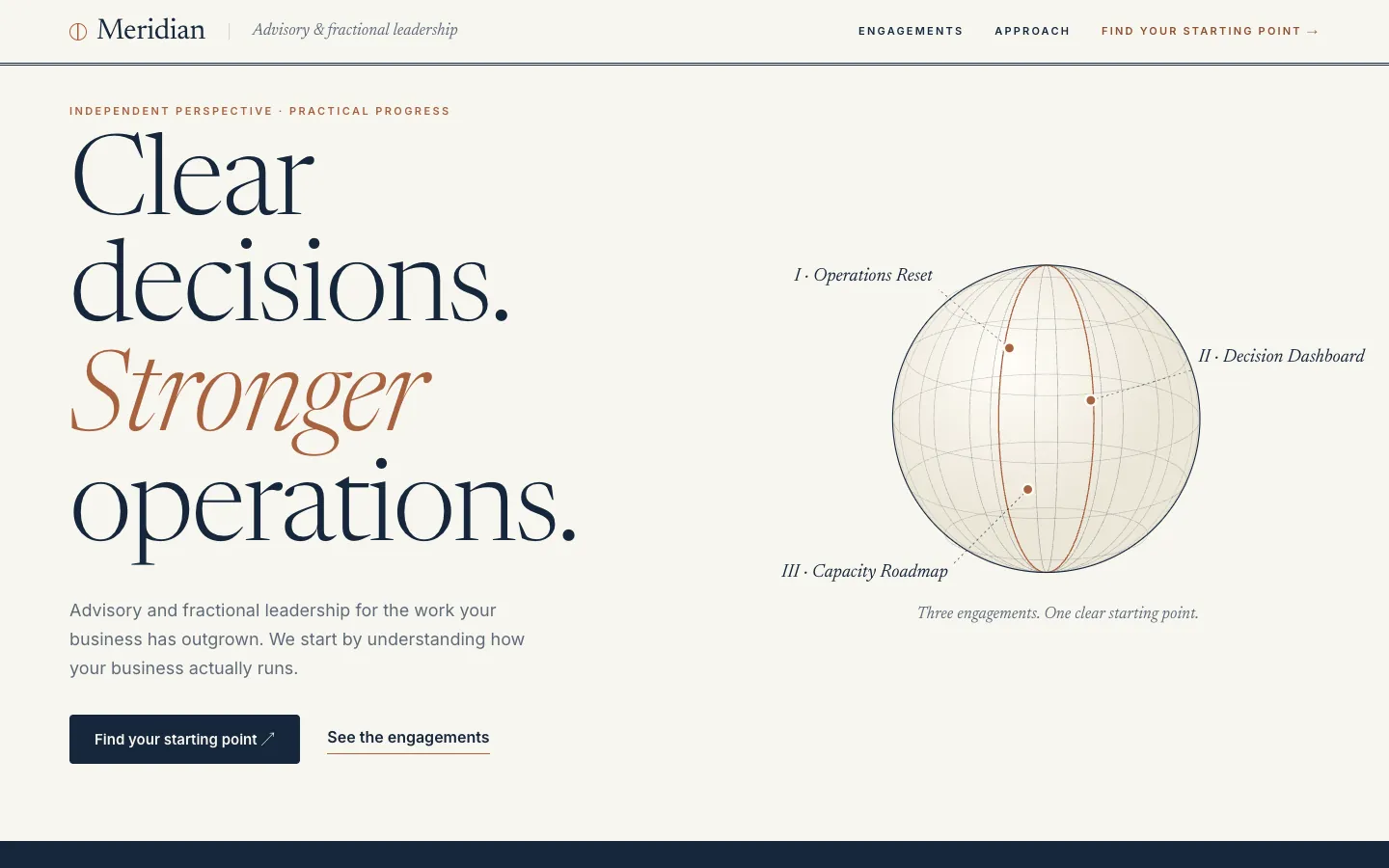
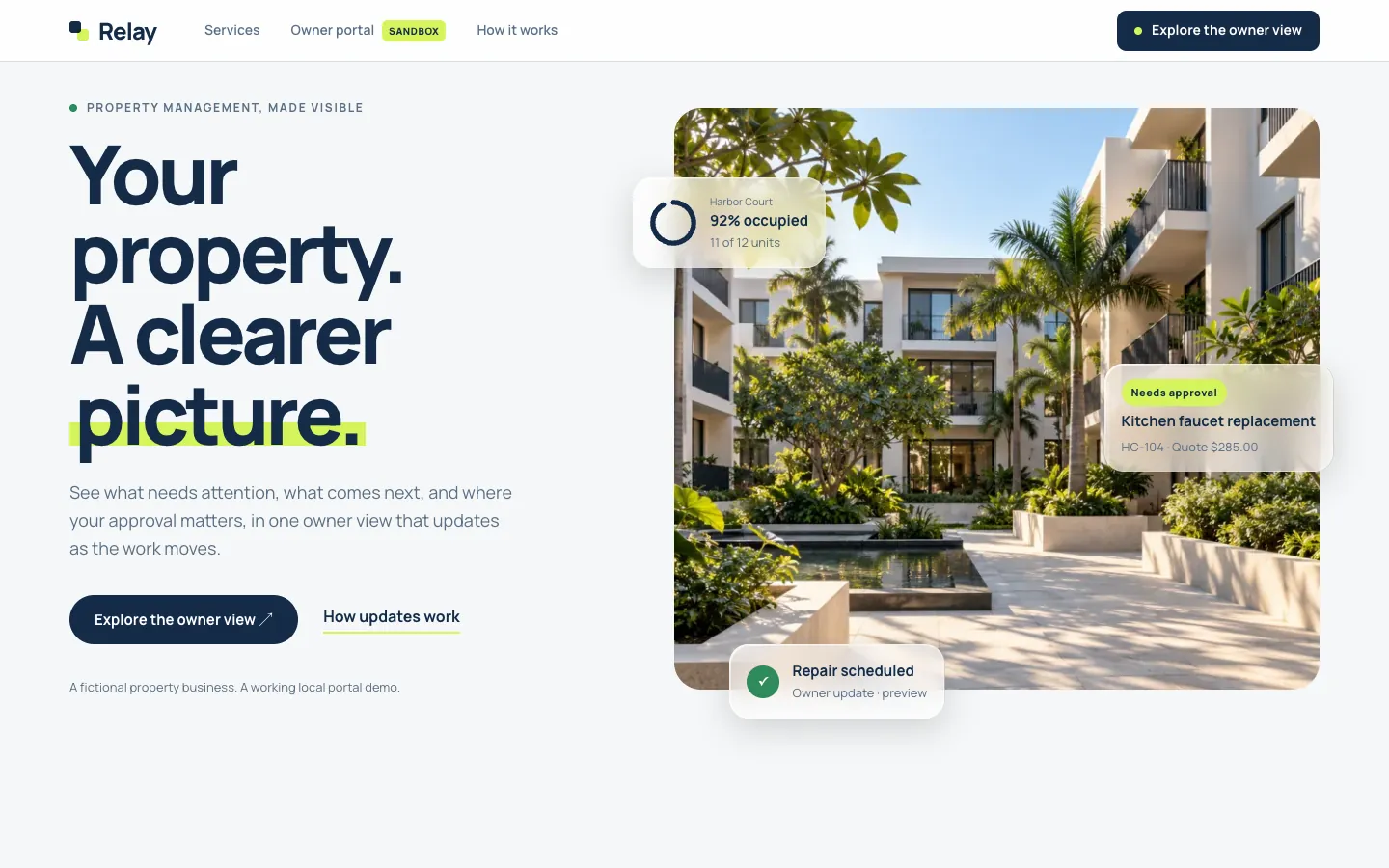
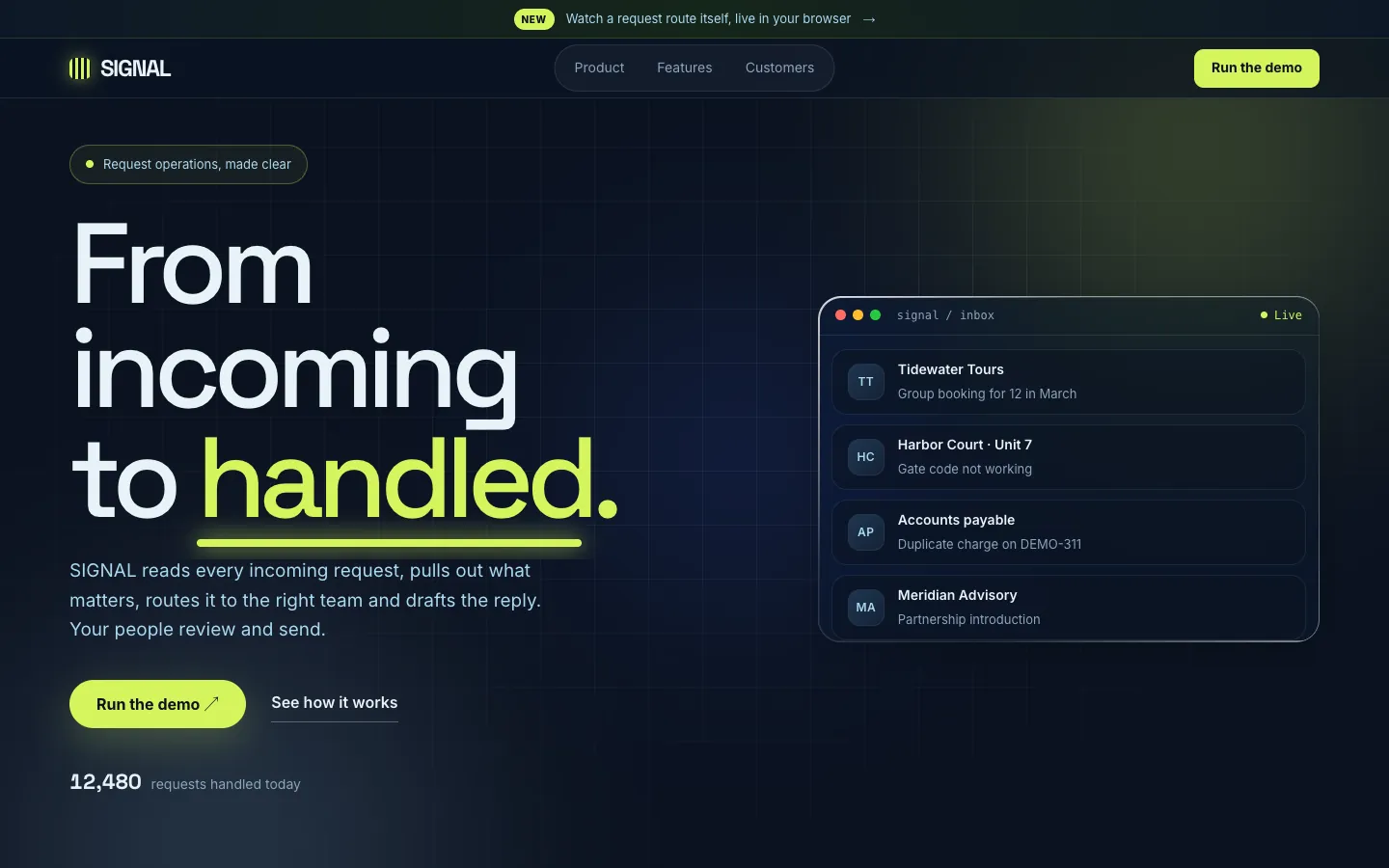
AI that handles the busywork. Tools that connect your operation. Digital experiences that move people to act. Explore what we can build around your business.
Workflows, agents & integrations
Put the repeat work in good hands.
Connect the tools you use. Give AI a clear job. Keep your team in control of what happens next.
Internal reference / Speed-to-lead & follow-up
Answer every inquiry while it’s still warm.
A relevant first reply while the lead is still warm, the lead logged in your CRM, and a structured follow-up path, built around what the lead actually shares.
Inquiry arrives
Capture the form and its context.
Validate
Check the address and send switch.
AI drafts
Personalize within approved content rules.
Log in CRM
Save the contact, inquiry, and pipeline stage.
Hand off
Send, enroll for follow-up, notify the team.
Interactive walkthrough · Sample data
0 / 5 steps
“We spend too much time following up on inquiries. Can you help?”
Ready. Run the sample or step through at your own pace.
1 itemBypass
1 itemBypass
1 itemBypass
1 item
Selected pathValid contact → draft a relevant reply, log the lead in the CRM, and start follow-up.
01 / Inquiry arrives
Not run yet
Input
Sample Services · hello@example.com
Action
Capture the inquiry and its source.
Output
Run this step to see its sample output.
Follow the work
Connected sample views update as each step finishes.
Inbox
New sample inquiry
CRM
No contact yet
NewContactedQualified
Team
Waiting for handoff
Illustrative simulation. Responses and records are prepared from sample data; no live AI calls, messages, or bookings.
Where AI fits: AI drafts the response. Explicit rules handle validation, CRM logging, delivery, and enrollment.
Defined controls: Invalid addresses skip drafting but are still logged for review. The drafting instructions exclude invented prices, promises, and details.
Pull the fields that matter from invoices, receipts, and intake forms, check them against your rules, and draft the record in your accounting tool or CRM, with a person approving anything that moves money.
Document arrives
Capture the invoice and its sender.
AI extracts
Read the vendor, dates, line items, and total.
Check rules
Math, known vendors, and duplicates.
Draft the record
Create the bill with the PDF attached.
Approve
A person approves before anything is paid.
Interactive walkthrough · Sample data
0 / 5 steps
Sample Supply Co. emails invoice INV-1042 as a PDF.
Ready. Run the sample or step through at your own pace.
1 itemBypass
1 itemBypass
1 itemBypass
1 item
Selected pathClean invoice → extract, check, and draft the bill; a person approves payment.
01 / Invoice arrives
Not run yet
Input
invoice-1042.pdf · emailed to bills@sample.co
Action
Capture the attachment, its sender, and when it arrived.
Output
Run this step to see its sample output.
Follow the work
Connected sample views update as each step finishes.
Inbox
1 new invoice
Accounting
No bill yet
Approvals
Nothing waiting
Illustrative simulation. Responses and records are prepared from sample data; no live AI calls, messages, or bookings.
Where AI fits: AI reads the document and extracts the fields. Explicit rules check totals, vendors, and duplicates before anything is written.
Defined controls: Totals that don’t reconcile, unknown vendors, and possible duplicates go to a person instead of the books, and nothing is paid without approval.
Scope, responsibilities, and first milestone · 3 pages
Needs approval
AI summary · sample, prepared in advance
Activity
Project team shared the Phase 1 plan
Discovery marked complete
The sample plan is ready for your review.
Operations console
A clear owner. A useful next step.
Bring requests, owners, and exceptions into one working view. Pick up the new request, or let it sit and watch the rule step in. Then close the day with a one-click digest.
Build direction: Visible ownership, role-based actions, and a record of changes. AI can suggest a priority and route; a person assigns the work.